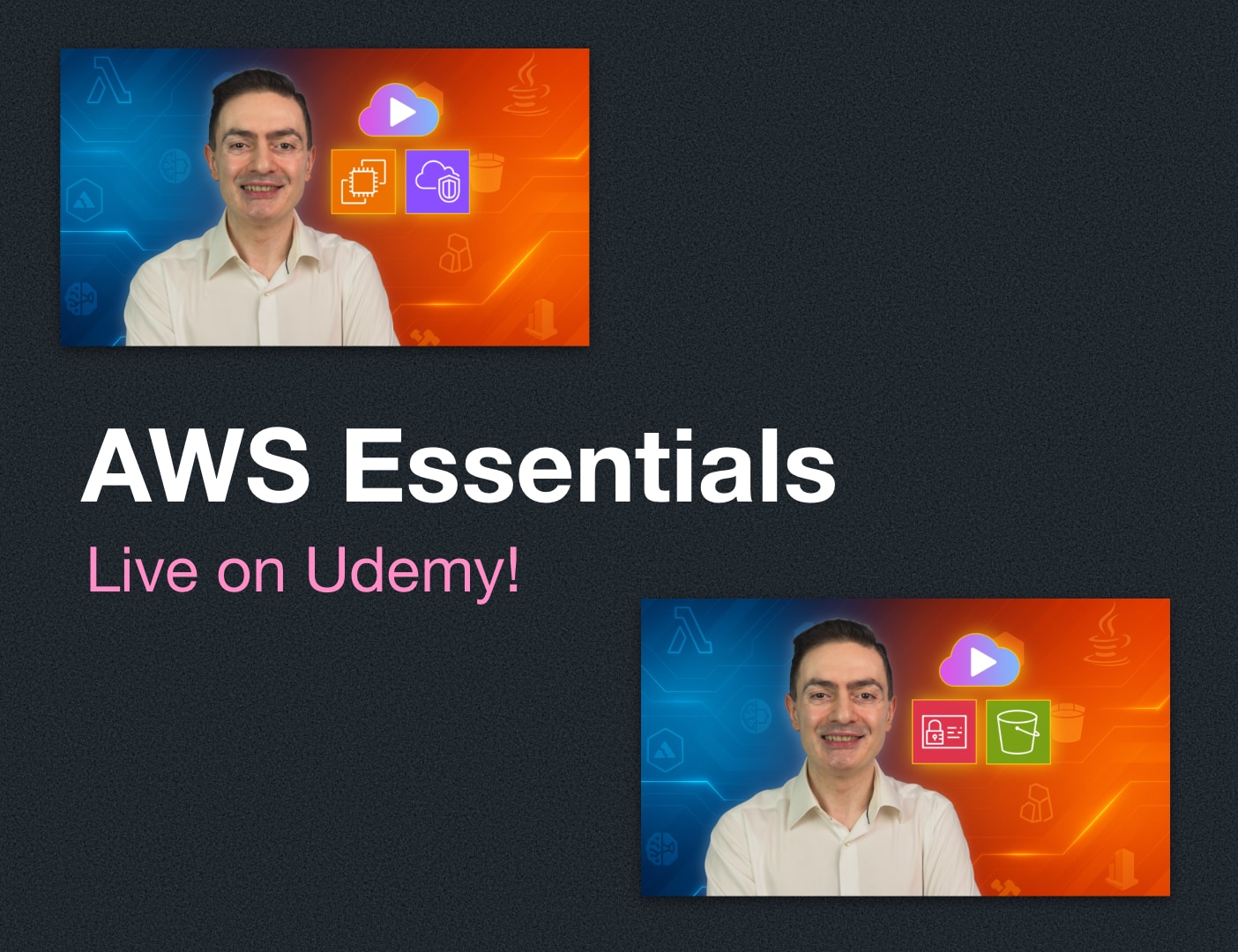
I teach applying DevOps concepts on AWS, such as CloudFormation, CodePipeline, and CDK, which require some AWS knowledge beforehand. Over the years, many students have reached out to me, saying they also wanted to learn AWS fundamentals from me, but I couldn’t offer any foundational courses at the time. Finally, I am happy to announce the launch of my AWS Essentials course series on Udemy.
AWS Essentials courses take the AWS Certified Cloud Practitioner exam as a basis and teach you cloud concepts and core AWS services. The courses share similar characteristics:
📖 Short and colorful theory lectures that explain the concepts without memorizing
👩💻 Practical hands-on demos that you can reinforce the concepts by practicing with me in your own AWS account
📝 Frequent and short quizzes to occasionally verify your knowledge
🎭 AI Role Plays to practice articulating what you’ve learned in enjoyable business-like scenarios
These courses will help you build confidence in AWS fundamentals, solve related AWS exam questions without memorizing, and get ready to learn more advanced DevOps and AI concepts in the future.
Currently, this series includes two courses on Udemy. I recommend finishing them in the order below:
Now, let’s discuss each course briefly.
AWS Essentials: Cloud, AWS IAM, & Amazon S3 for Beginners

New to AWS or need to revisit your fundamentals? The first AWS Essentials course is the ideal starting point for you. Even if you think you already know the topics, you’ll discover many areas and new AWS infrastructure components you may not have known about, as AWS continues to evolve.
The first crucial theory lectures introduce you to Cloud Computing and AWS. You will learn about these:
👩💻 Navigating the AWS Management Console, AWS global infrastructure, and pricing concepts.
🤝 The Shared Responsibility Model to understand your responsibilities to keep your data and infrastructure secure.
The next section introduces the core AWS security service: AWS Identity and Access Management (IAM).
👤 You’ll learn about the root user, administrator, and ordinary IAM users, as well as passwords and MFA.
📝 It will also teach you how to grant permissions using identity-based IAM policies and introduce you to other policy types, such as resource policies and Access Control Lists.
You’ll start with some theory lectures, but the rest is mostly hands-on.
If you use AWS, you will need to use AWS CLI at some point. So, the next section teaches you to install and configure AWS CLI on your computer and learn to find information about using AWS CLI commands from the AWS CLI reference with some examples. As always, instead of giving you fish, I teach you how to catch fish.
The final section teaches you the core AWS storage service: Amazon Simple Storage Service (S3). You will learn below.
🪣 Working with S3 buckets and objects with practical hands-on examples
🇻 Enabling S3 versioning and differentiating Amazon S3 storage classes. I provide real, hands-on experience configuring S3 lifecycle policies to move your objects to lower-cost storage and save costs.
👯 Replicating your objects between S3 buckets automatically for disaster recovery.
If you need a simple solution to host your static websites, we also cover S3 Static Website Hosting with hands-on labs.
🔐 The S3 section also introduces you to data encryption concepts.
At the end of the first course, you’ll have everything you need to learn more: Cloud, AWS IAM, AWS CLI, and Amazon S3 basics, and be ready for the next AWS Essentials course.
AWS Essentials: Amazon EC2 & VPC Networking for Beginners

Once you finish the first AWS Essentials course, you’ll want to dive into Amazon EC2 instances, the core of AWS compute services. But you can’t learn EC2 instances without storage and networking fundamentals. So, this course will also take you to EC2 instance storage and VPC networking essentials. It is my newest course, recently launched on Udemy.
First, you’ll learn about EC2 instances.
💻 Creating an EC2 instance and connecting to it via SSH or through your browser from the AWS Management Console
🧢 Creating an IAM role and attach it to your EC2 instance to grant permissions
📮 Initializing your instance at launch and Elastic IP addresses
🏞️ Amazon Machine Images (AMIs) and how to create custom AMIs
🧬 EC2 instance types, instance families, pricing models, and placement options
Next, you’ll dive into Amazon EBS essentials and learn how to create and attach EBS volumes and take snapshots. But EBS is not suitable as shared storage. So, we also cover how to create and mount EFS file systems, with hands-on examples.
Once you learn EC2 instances and storage, it’s time to get more proficient at VPC networking. So, the next section will teach you;
🌐 How to create custom VPCs with public and private subnets
🛣️ Core VPC components, such as Internet gateways, route tables, and security groups
You’ll also understand Network Access Control Lists and DNS in your VPC.
But you won’t stop there. Your private subnets will need to access the Internet and AWS services.
You’ll learn about NAT gateways with an example of accessing OpenAI APIs from private subnets.
Then, you’ll continue with VPC Endpoints and AWS PrivateLink to directly access AWS services from your VPCs, with an example of accessing Amazon Bedrock from private subnets.
The final section will guide you in launching and managing multiple EC2 instances.
📄 You’ll learn to use EC2 launch templates to standardize and speed up your EC2 instance configurations.
⚖️ Then, you’ll discover Elastic Load Balancing to distribute incoming traffic to multiple EC2 instances.
🔧 You’ll build an Application Load Balancer as a hands-on practice.
After that, EC2 Auto Scaling comes naturally.
- You’ll create EC2 auto scaling groups and understand how they can help you build a reliable and scalable AWS architecture with hands-on labs.
So, let’s learn together!
We are in the AI era, but to deploy secure and reliable AI apps, you need strong cloud foundations more than ever. You can also prepare for the AWS Certified Cloud Practitioner exam while learning. So, the AWS Essentials courses aim to help you achieve both.
All course links in the post provide you with a limited-time discount on Udemy. So, don’t delay! Join me to build your AWS foundation today.
See you in the AWS Essentials courses!